
Component library
 Last updated on September 2, 2026
Find design assets, code and technical docs for user interface components.
Get started with components
Available components
This library is a work in progress. We release components when both design and code implementations are ready. To learn more about our backlog, view the roadmap.
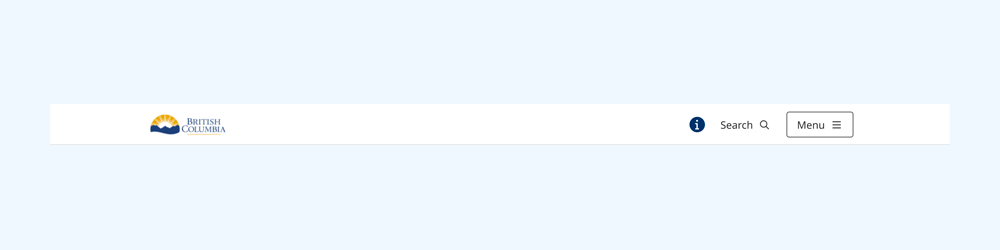
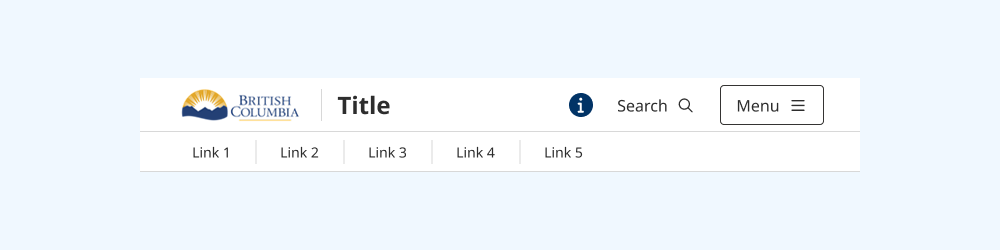
Navigation and structure


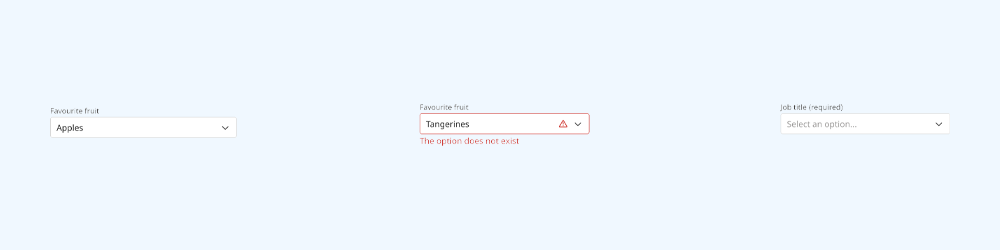
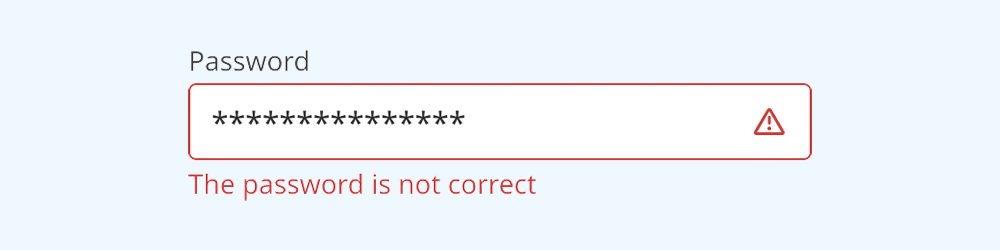
Inputs and controls
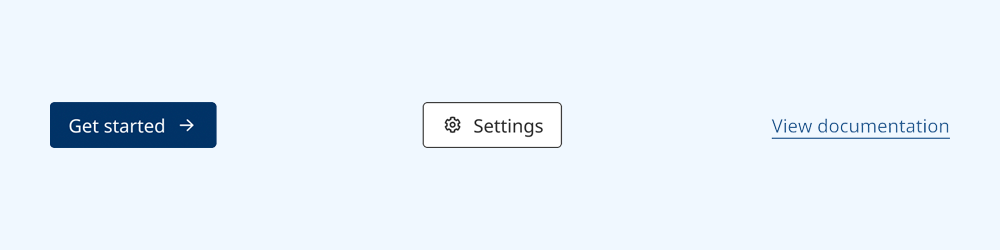
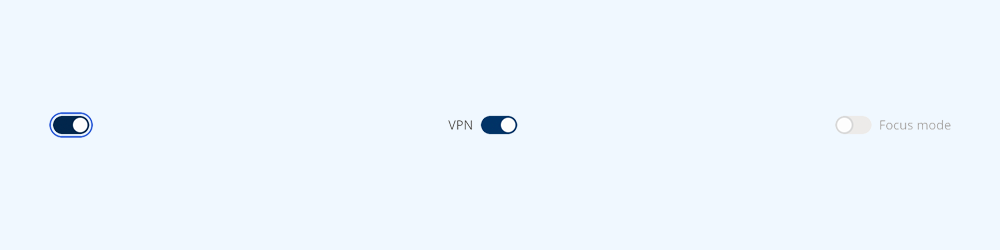
Toggle button

Toggle buttons enable the user to change a setting between binary or mutually-exclusive states.






Calendar

A calendar visualizes a range of dates in one or more grids, and enables the user to select a date.
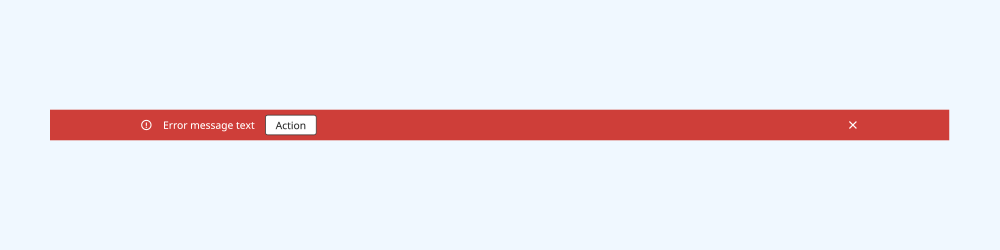
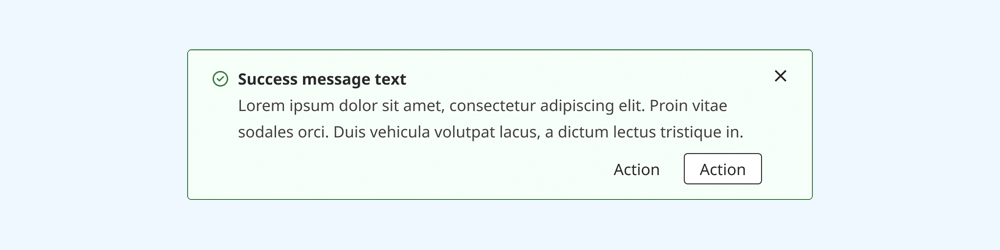
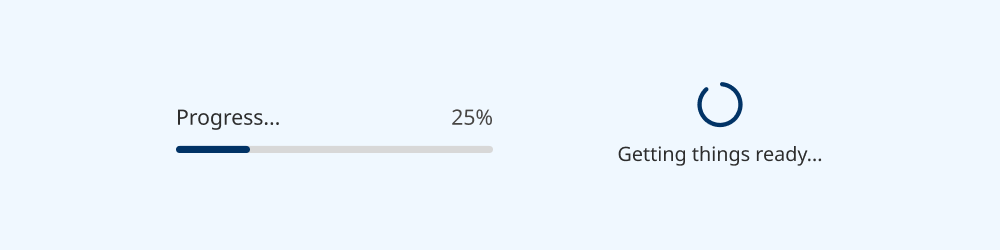
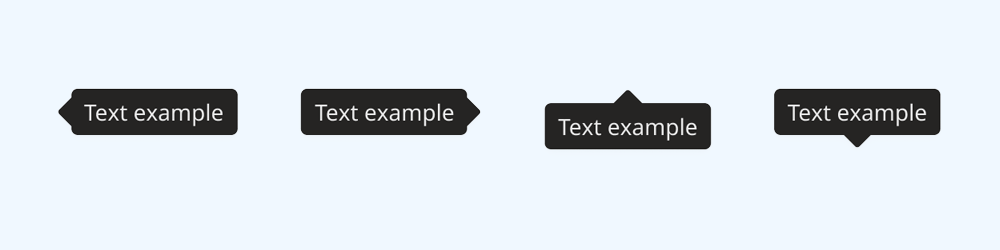
Notifications and feedback
Dialogs

Modal dialogs present critical information or actions to the user, blocking the rest of the UI.
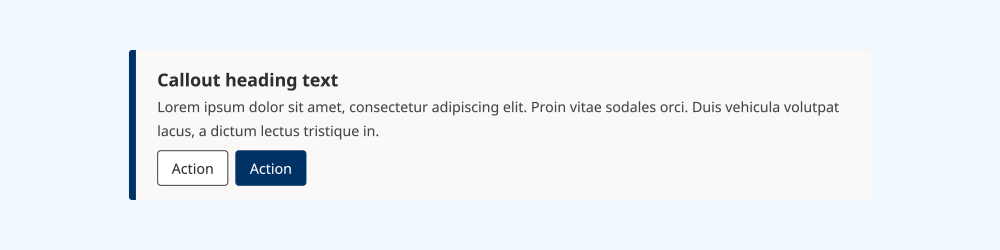
Content

Information for designers
You need a Figma license to make full use of the design system. Some functionality is not available on other account types. Access to the Government of B.C.'s enterprise license is administered by Connected Services BC. Request access to Figma.
Recommended: install the managed library
If you are a member of the Government of B.C. organisation on Figma, you can add the B.C. Design System library to your projects directly.
Using this managed library makes it easy to receive updates when they are released.
Download and import the library manually
If you are not a member of the Government of B.C. organisation, you can download the library via Figma Community.
You can then self-publish it as a library for yourself or your team to use in your projects.
Information for developers
If you encounter a bug or have a question, create an issue on GitHub.
The component library is built in React, and is installable via npm or GitHub Packages:
Releases are semantically versioned.
The library supports React v16.14.0 and later.
Core dependencies
The component library relies on these packages as core dependencies:
- BC Sans (Government of B.C.)
- B.C. Design Tokens (Government of B.C.)
- React Aria Components (Adobe)
A full list of dev dependencies is available on npm.
Developer resources
Find source code, documentation and tools to help you use components:
- Install the React component library via npm
- Explore components and docs in Storybook
- View source code for components on GitHub
Changelogs for each release are on GitHub.
Support for other languages and frameworks
At this time, we do not officially support languages or frameworks other than React.
If you are reimplementing design system components in another format, consider sharing your work publicly for others to use.
If your team or organisation has capacity to maintain an implementation in another format, please email designsystem@gov.bc.ca.